The Complete Guide to Mobile Ordering for Golf Courses
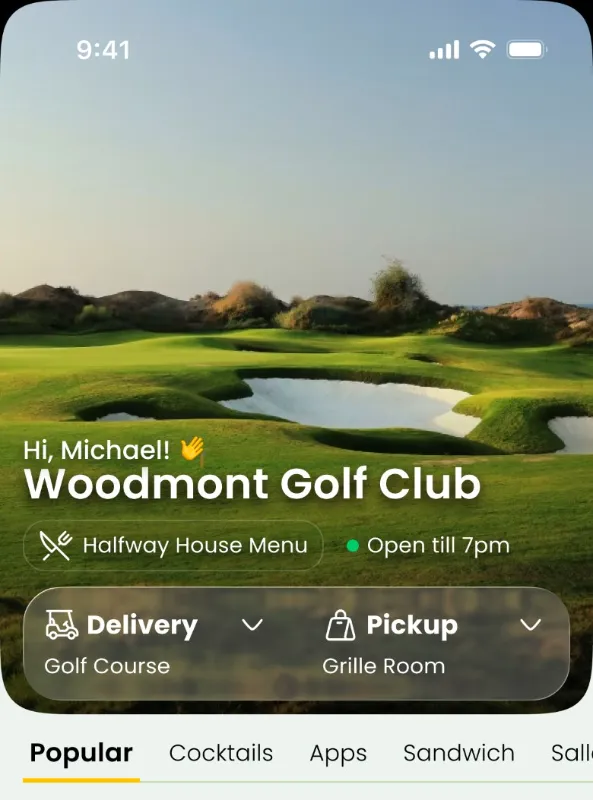
Mobile ordering for golf courses lets a guest or member select food and beverages on a phone, send the order to the club, and choose pickup or delivery. The idea is simple, but a successful program involves more than putting a digital menu online. Golf course operators need ordering that fits the pace of play, kitchen workflow, service geography, and the expectations of both daily-fee guests and private-club members.
This guide explains how a golf course mobile ordering system works, the major service models, and how to launch one without making the operation more complicated.
What is golf course mobile ordering?
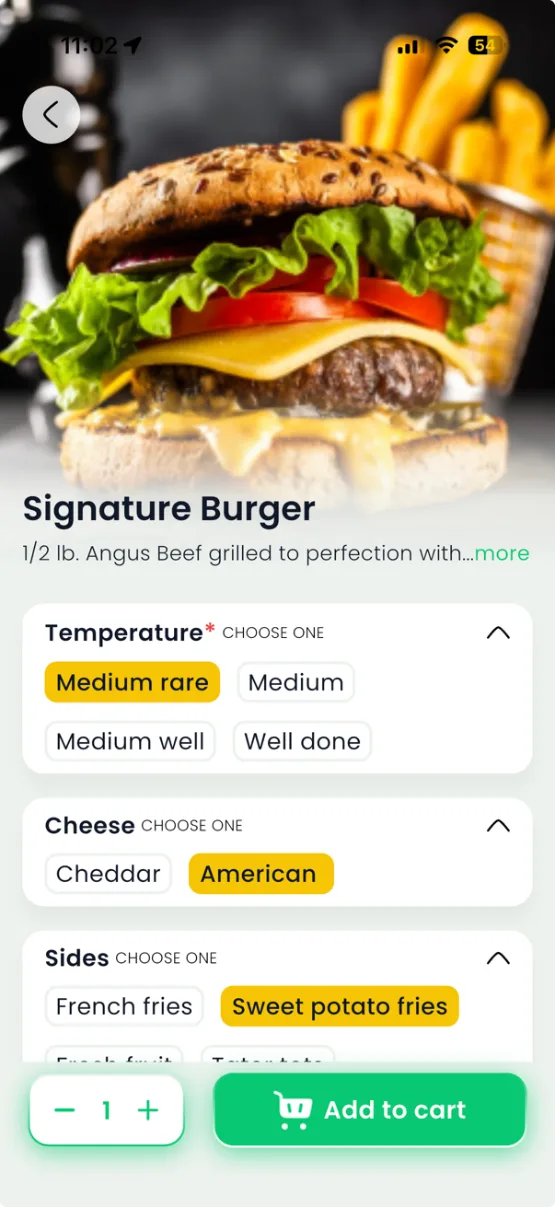
A golf course food ordering app or web-based ordering page allows golfers to place an order while remaining on the course. The restaurant receives a ticket with the selected items, modifiers, destination, and other necessary details. Staff prepare the order and either stage it for pickup or dispatch it for delivery.
The best experience is location-aware: a golfer should not need to explain where hole seven is or repeatedly call for an order update. At the same time, the kitchen needs realistic preparation and delivery expectations, especially during tournaments and peak service periods.
Four service models to consider
Order ahead at the turn. Golfers place their orders before reaching the halfway house and collect them at a designated pickup point. This works well for courses with established snack bars.
GPS-powered on-course delivery. Customers request food and beverage delivery while playing. A runner follows the order location in the staff delivery workflow, subject to the club's service area and local rules.
Practice-area and range service. Golfers can order from a driving range bay, lesson area, or other designated location without leaving practice.
Clubhouse and to-go pickup. Members and guests schedule or place orders for pickup, and clubs can offer supported delivery to appropriate on-property destinations.
App, website, or QR code?
Each channel has a role. A dedicated app can be useful for repeat private-club members; browser-based food ordering is convenient for visiting golfers who do not want another download. QR codes serve as a physical invitation to open the correct menu. ClubGrub supports app, web, and QR ordering so operators can match access to their audience.
What the kitchen and staff need
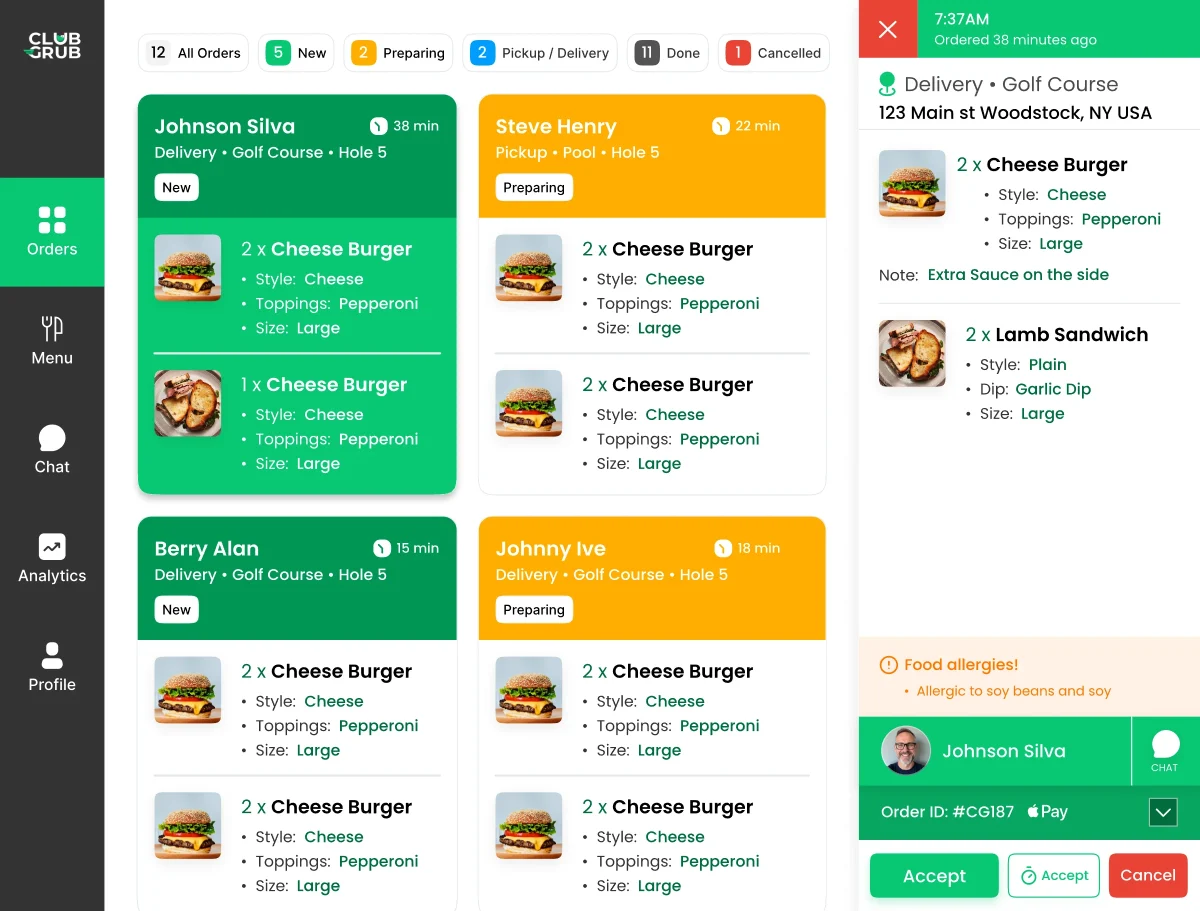
Look for clear item modifiers, reliable order alerts, kitchen tickets, status updates, and a delivery view staff can understand at a glance. Define who accepts an order, who prepares it, who stages it, and who confirms the handoff. Configure service hours and realistic fulfillment options before launching.
Do you need to replace your POS?
Not necessarily. ClubGrub is positioned to operate alongside an existing POS or club-management environment, with member billing or card payment and reconciliation configured for the property. Confirm the exact workflow rather than assuming every POS feature is natively integrated.
A practical rollout checklist
Choose an initial service area; select a travel-friendly menu; test the order-to-kitchen-to-runner sequence; train staff; place QR signage; send member or golfer communications; and track adoption, average check, preparation time, and delivery time. Pilot before promising service across every corner of the facility.
The ClubGrub approach
ClubGrub connects digital ordering, kitchen order management, and GPS food delivery for golf courses. It is built for private clubs, daily-fee courses, resorts, and practice facilities that want to extend existing hospitality rather than start another disconnected operation.
Learn more about ClubGrub’s golf course mobile ordering capabilities.