Best Mobile Ordering Software for Golf Courses: What to Look For
The best mobile ordering software for a golf course is not necessarily the platform with the longest feature checklist. It is the system golfers will actually use and staff can operate on a busy Saturday without slowing service. A solution designed for general restaurants may handle online takeout, but golf creates distinct requirements: an 18-hole footprint, moving customers, the halfway-house rush, and members who expect convenient service across the property.
Use this evaluation framework when choosing a golf course mobile ordering platform.
1. Ordering should be effortless for guests and members
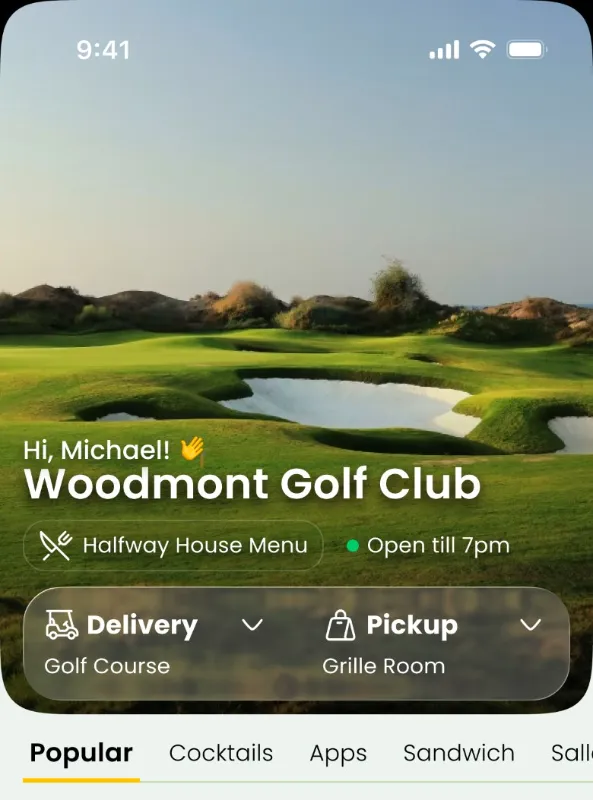
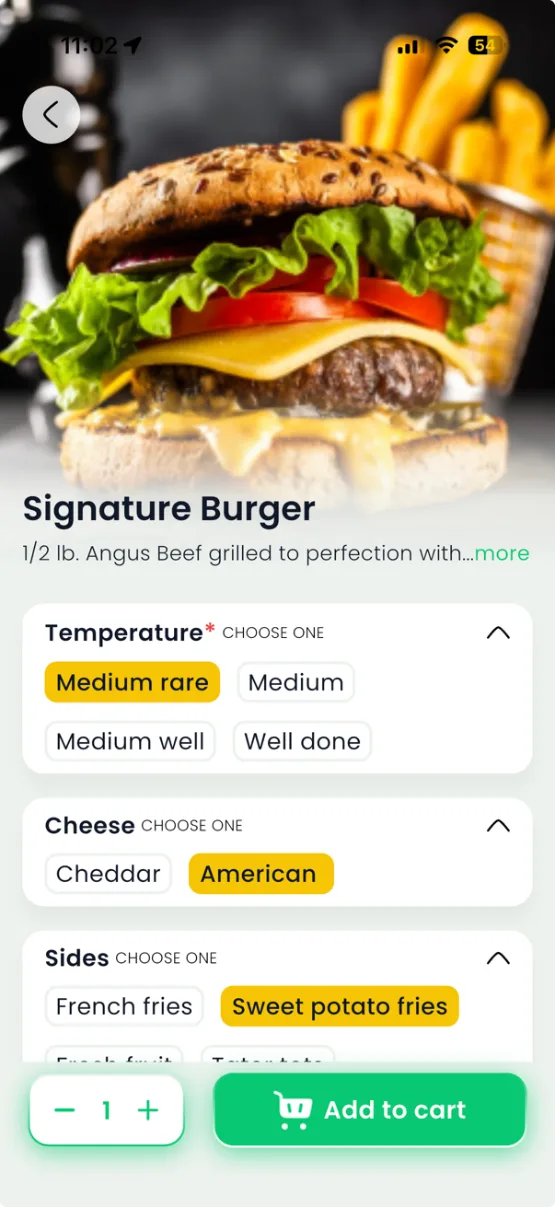
Look for a clear menu, item modifications, transparent pickup and delivery options, and a quick checkout. For public or resort golf, browser-based ordering and QR code access reduce the burden of an app download. For private clubs, a repeat-use app may offer a familiar ongoing experience. ClubGrub supports app, web, and QR access.
2. The platform must support golf-specific fulfillment
If you need on-course food and beverage delivery, confirm how a runner receives the golfer's location, how order status works, and what happens when someone moves after ordering. Test these flows on your actual property. For courses focused on convenience at the turn, prioritize halfway house ordering and reliable pickup handoffs.
3. Kitchen workflow matters as much as the ordering screen
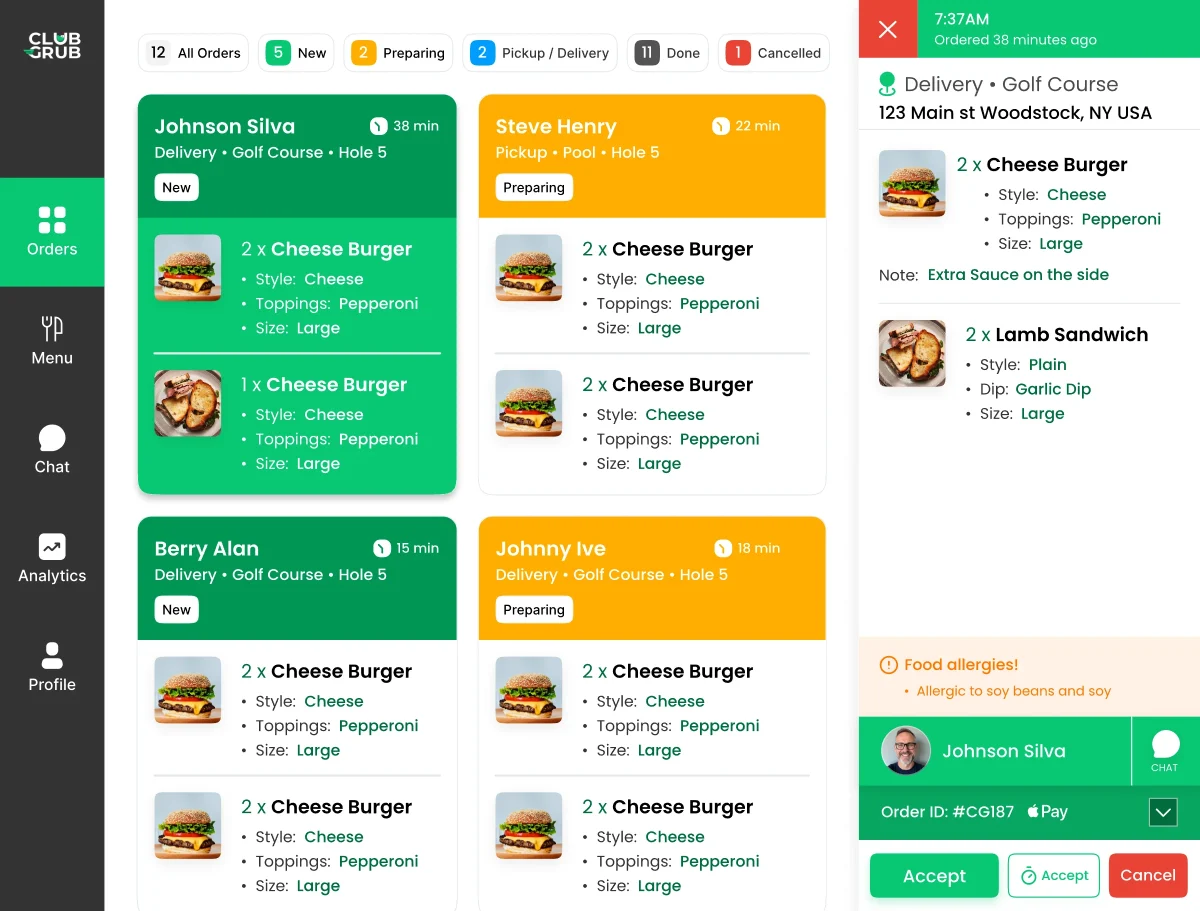
An attractive guest-facing app is not enough. Ask how the kitchen sees new tickets, handles modifiers, prints orders, marks readiness, and communicates with a delivery employee. Your team should not have to keep re-entering the same information.
4. Confirm compatibility with existing operations
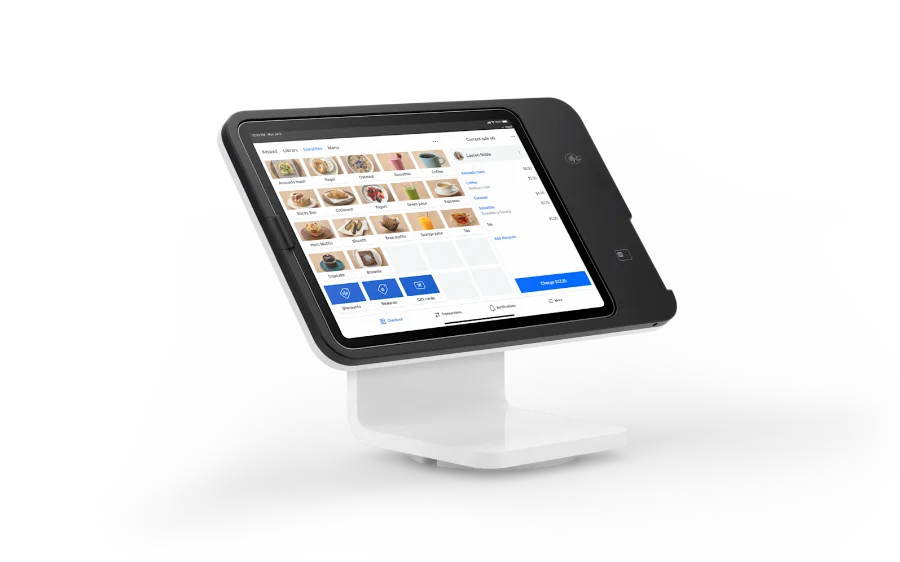
Many clubs already have accounting, POS, and member-billing processes. A new ordering channel should not trigger an unnecessary systems overhaul. Ask the vendor to demonstrate the exact payment, member-charge, settlement, and reconciliation workflow your facility will use. Do not mistake a simple export or embedded experience for a fully native integration.
5. Evaluate onboarding, training, and adoption
Request a live customer journey, sample menu build, staff training plan, signage templates, and post-launch support model. Find out whether members can use existing phones and whether the program requires special guest registration. The best technology is worthless if nobody knows how to order.
6. Compare the real cost of service
Review subscription or setup fees, hardware, payment costs, training, support, and any per-order charges. Evaluate the total operating cost alongside order volume, contribution margin, and customer satisfaction.
Questions to ask a vendor
Can golfers order from hole seven? Is no-download ordering available? Can I offer pickup and GPS delivery? What happens if the kitchen is busy? How are delivery locations verified? What equipment is required? Can I speak with an operator using the system in a comparable club?
ClubGrub focuses on this specific hospitality workflow, connecting mobile ordering, kitchen management, and delivery across the course, pool, range, and community.
Learn more about ClubGrub’s golf course f&b software capabilities.