QR Code Ordering vs. Mobile Apps for Golf Courses
Should a golf course ask guests to download an app, or let them scan a QR code and order in a browser? For many operators, the answer is both. The right entry point depends on whether the golfer is a first-time visitor, a repeat member, or a guest who simply wants lunch at the turn.
Both models can support golf course mobile ordering; the distinction is the experience that gets a customer from intent to checkout.
QR code and web ordering: best for low-friction access
With golf course QR code ordering, a guest scans a code on a cart or sign to open a digital menu. A browser-based ordering flow avoids requiring an app download. That can be especially valuable at daily-fee and resort courses where a golfer may play only once.
QR codes are invitations to order—not the ordering system themselves. They need a mobile-friendly menu, clear fulfillment options, accurate hours, and a checkout that works on common phones. A faded sticker or confusing landing page can defeat the purpose.
Native app ordering: useful for repeat relationships
Members who visit a private club weekly may value a familiar dedicated app. An app-based experience can support repeat engagement and club-specific communication where enabled. But requiring every visiting guest to install it may introduce unnecessary friction.
Compare the customer journeys
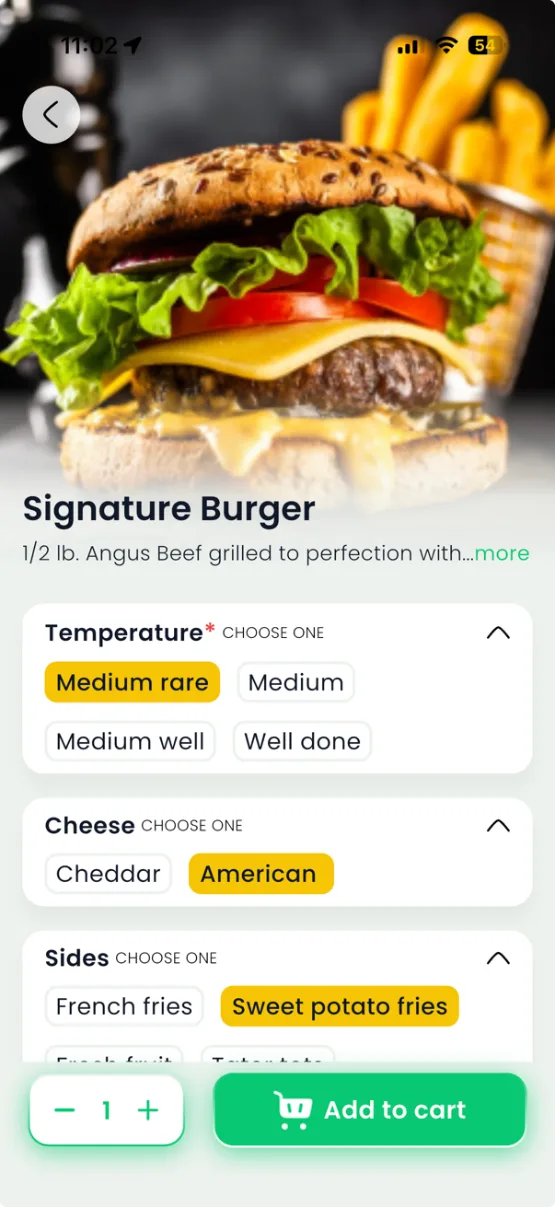
Imagine a golfer on the seventh hole who sees a cart sticker. With web ordering, the golfer scans, selects a sandwich, chooses pickup, and checks out. With an installed app, a regular member opens the familiar club menu, chooses the same order, and completes checkout. Both should generate a clear kitchen ticket and a reliable pickup time.
Which route works for GPS delivery?
The answer depends on the platform and the device's location permissions. Validate how the system handles location data for each ordering channel and how staff identify the final handoff point. Do not assume that a QR code automatically provides continuous or perfectly precise golfer tracking.
Why ClubGrub supports multiple access paths
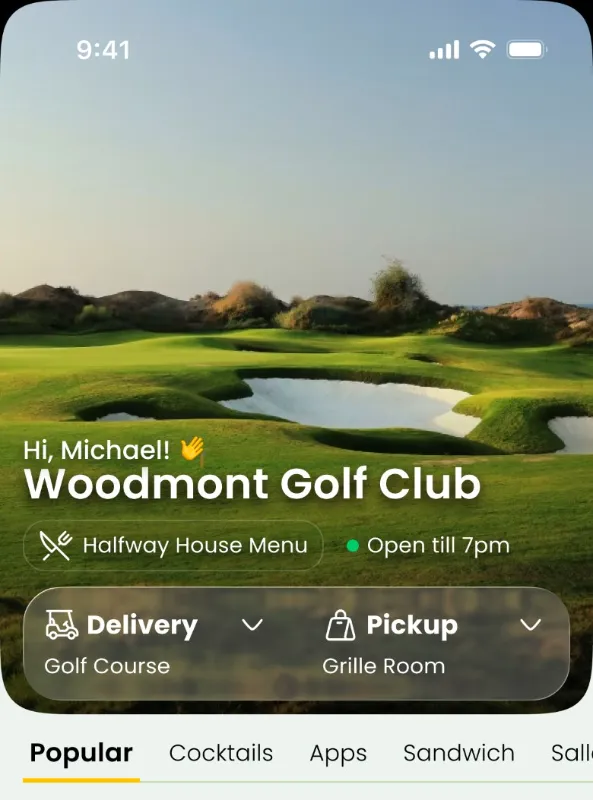
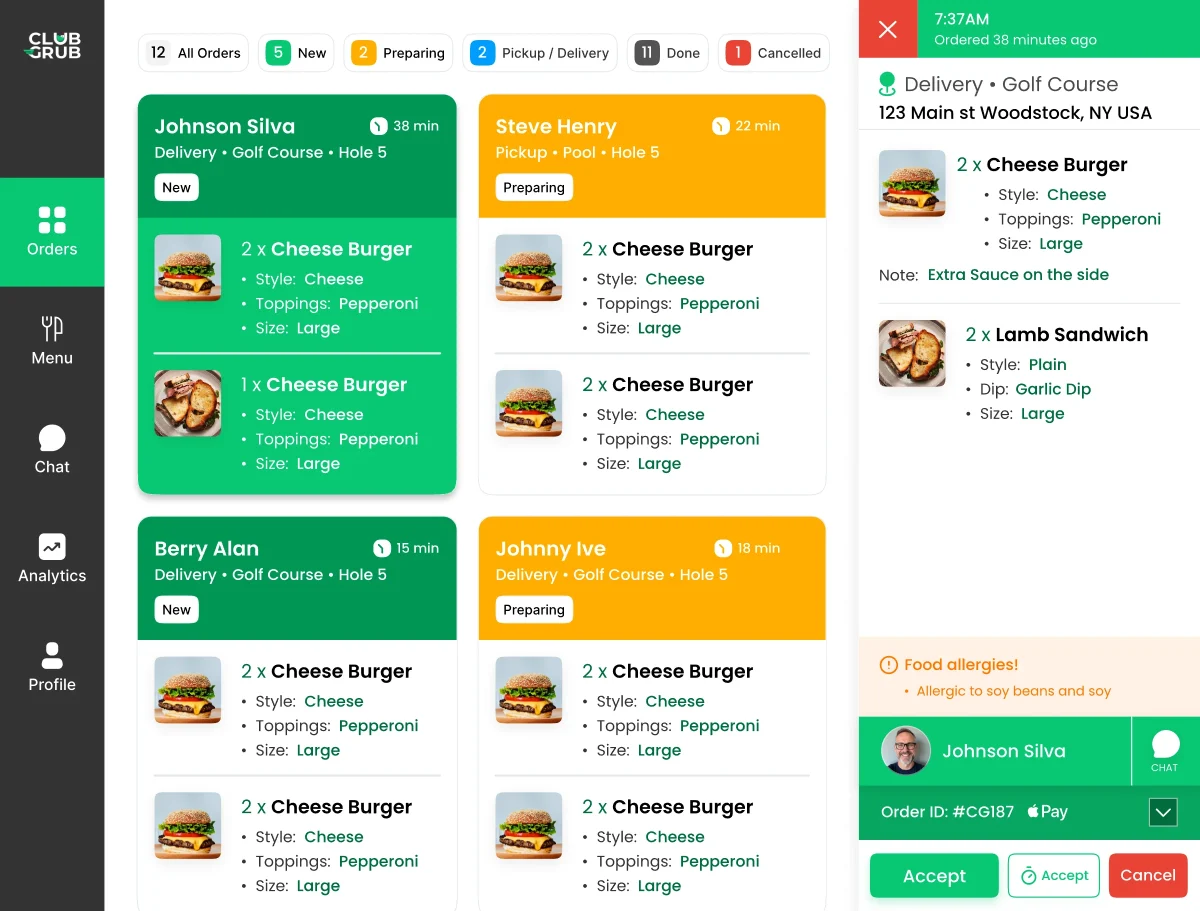
ClubGrub lets operators offer app, web, and QR ordering within a broader kitchen and pickup or delivery workflow. A course can keep repeat members in a native experience while letting visiting golfers use no-download web-based ordering.
How to choose
If most customers are transient, make browser ordering easy. If repeat membership engagement is essential, consider a club app alongside web access. In either case, test menus, checkout, kitchen alerts, and service reliability on actual devices before printing hundreds of QR stickers.