How to Modernize Club Food Service Without Replacing Your POS
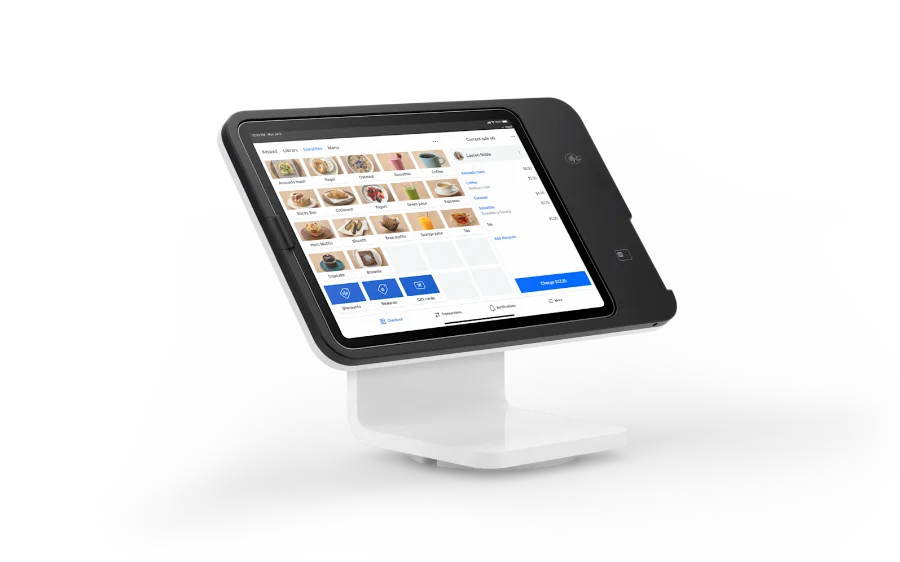
A private club may have spent years building dependable POS, member billing, inventory, and accounting processes. Introducing mobile ordering should not automatically mean throwing that infrastructure away. The practical objective is to add a convenient ordering channel while preserving the financial controls and service workflows the club already trusts.
That is the starting point for modernizing golf course and private club food service without a full POS replacement.
Separate order capture from the system of record
The member-facing experience answers a simple question: how does a customer select food and send an accurate order to the team? The POS and back office handle other responsibilities, which may include account balances, financial reporting, taxes, settlement, and inventory. The systems can work alongside one another, but the exact handoff matters.
What ClubGrub adds
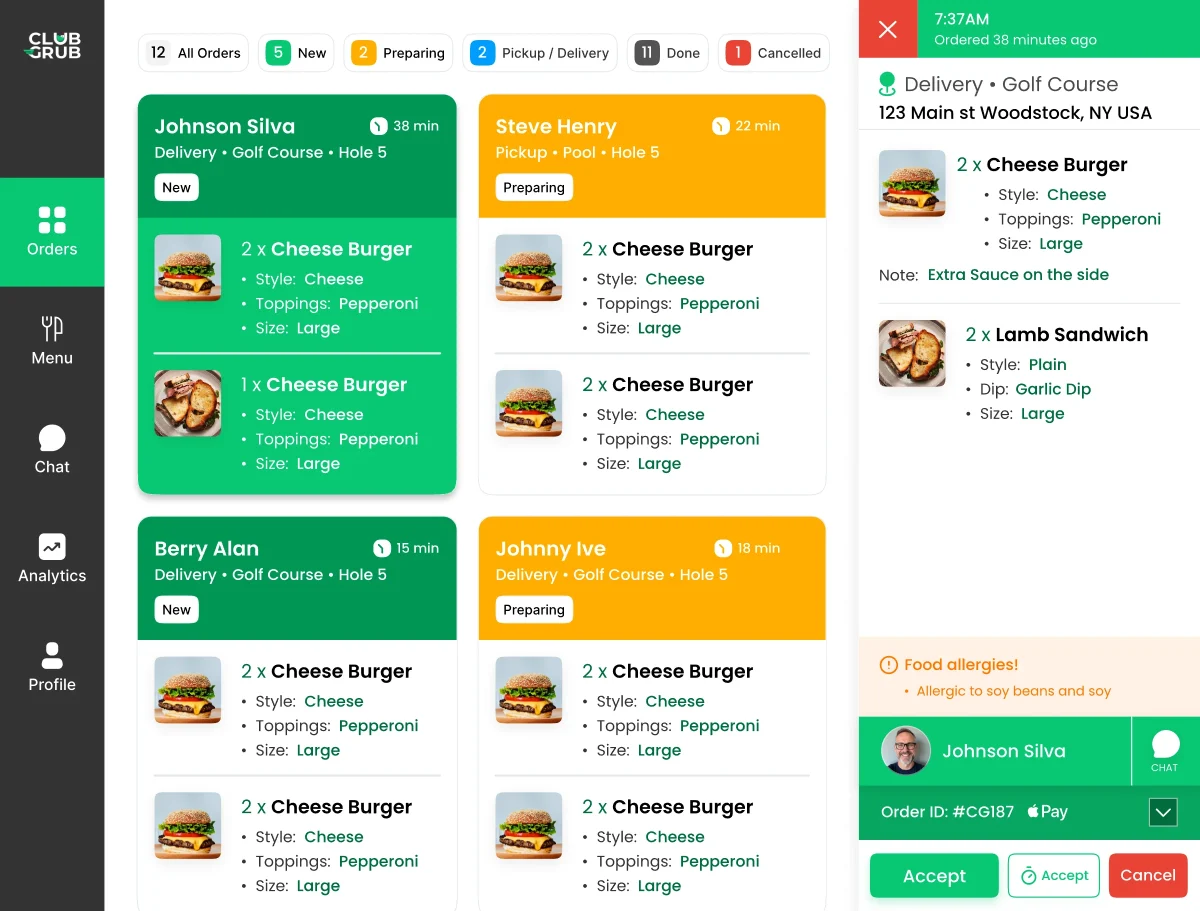
ClubGrub supports private club mobile ordering through an app, web experience, or QR code. Orders reach the club's order-management workflow and can be prepared for pickup or GPS-guided delivery. Its positioning is to work alongside the existing POS rather than require a replacement.
Decide how payment and reconciliation will work
Ask specific questions: Will customers pay by card or member charge? How are tips and service charges handled? How are taxes configured? Which totals must appear in the existing system? Is information exported, reconciled manually, or connected through a documented integration? Who owns exceptions and refunds?
An export, embedded link, and native two-way POS integration are not interchangeable. Confirm the capabilities actually available for your club's vendors and environment.
Map the operational workflow before launch
Document the path from guest menu to kitchen ticket, preparation, pickup or dispatch, payment, and daily closeout. Test voids, special instructions, out-of-stock products, taxes, and member billing. If the system introduces duplicate entry, measure the workload and decide whether process changes can reduce it.
Protect the member experience
Many members only care that the menu is easy to use, an order reaches the kitchen, and the charge is correct. Keep onboarding simple. Explain where mobile orders are available, whether location permission is needed for delivery, and how a member gets help. Avoid pushing technology jargon into member communications.
Expand one service area at a time
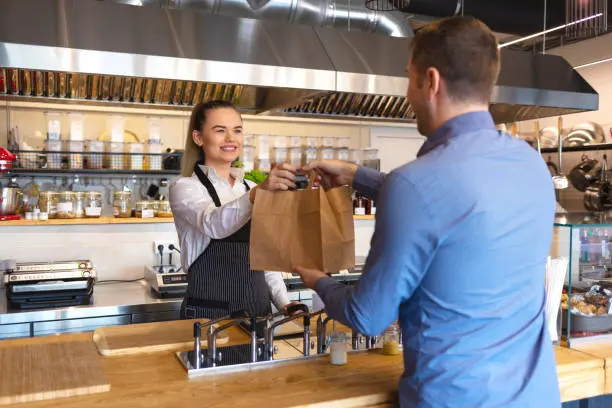
Start with clubhouse to-go or halfway-house pickup, then add golf course GPS delivery, poolside, or range ordering when ready. Keep a consistent operations checklist and monitor reconciliation accuracy, ticket time, staff feedback, and adoption.
ClubGrub is designed to add golf course online ordering and broader hospitality access to the systems and team a club already operates—not replace every part of its technology stack.